Datalayer Documents
Overview
Datalayer Documents bring the flexibility of Notion into your Notebooks.
Traditional notebooks are great for coding but often fail when you need to explain your work. Data scientists frequently find themselves switching between a notebook (for analysis) and a Google Doc or Notion page (for reporting).
Datalayer Documents solve this by treating text and code as equals.
- Unified Workflow: Write rich narratives alongside executable Python code.
- Block-Based Editor: Built on the Lexical framework, allowing you to drag, drop, and structure content just like in Notion.
- AI-Native: Deep integration with GitHub Copilot (VS Code) and our custom AI Assistant (Web) to help you write code and text faster. Read more about AI features in the AI Agents documentation.
Datalayer Documents are available directly inside VS Code via our extension. It integrates seamlessly with your local environment and GitHub Copilot. Read more in the VS Code documentation.
Prefer a zero-setup cloud environment? You can use Datalayer Documents instantly in your browser on our platform. Read more in the Platform documentation.
Supported Blocks
Code Blocks
- Jupyter Cells: Fully functional code cells that can execute Python code.
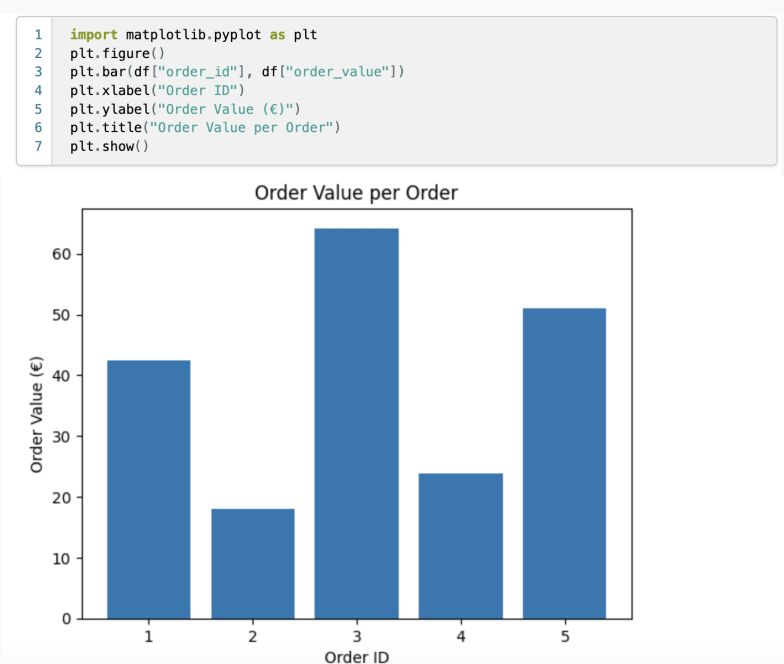
- Code: Insert standalone code snippets for reference (non-executable).

Text Blocks
- Paragraphs: Standard text blocks for writing texts.

- Headings: Organize your document with H1, H2, and H3 headings.

- Lists: Create unordered, ordered, or checklist items to structure information clearly.

- Quotes: Highlight important information or citations with blockquotes.

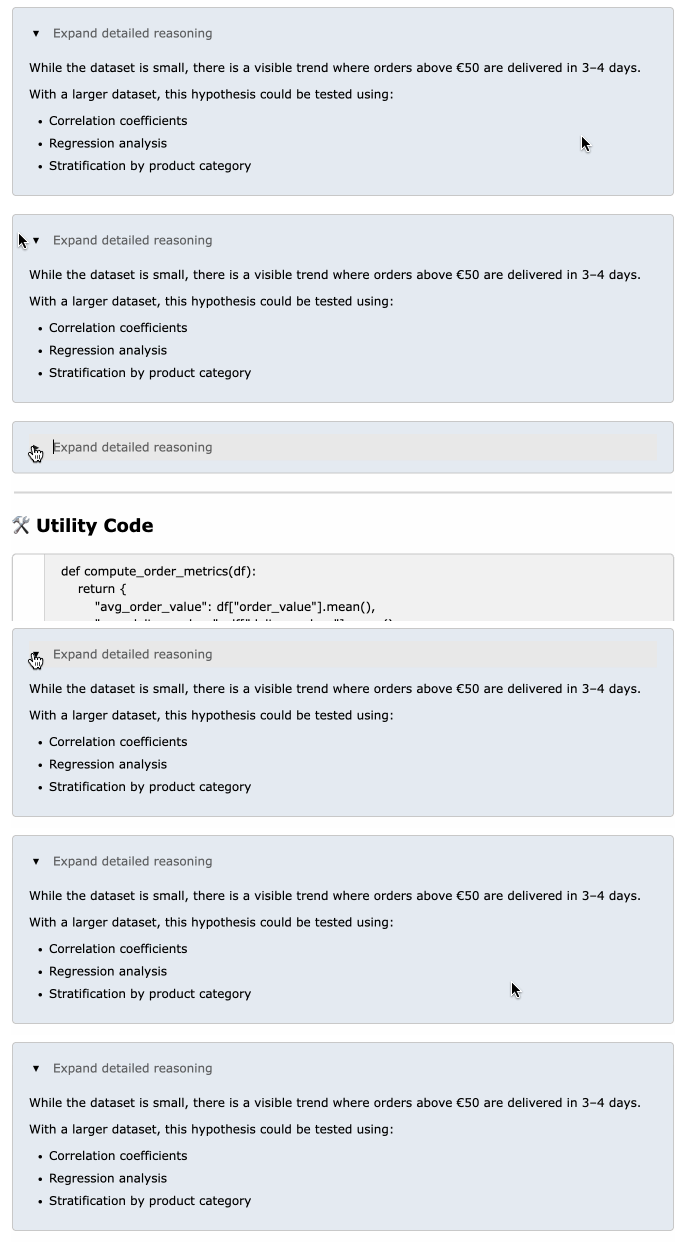
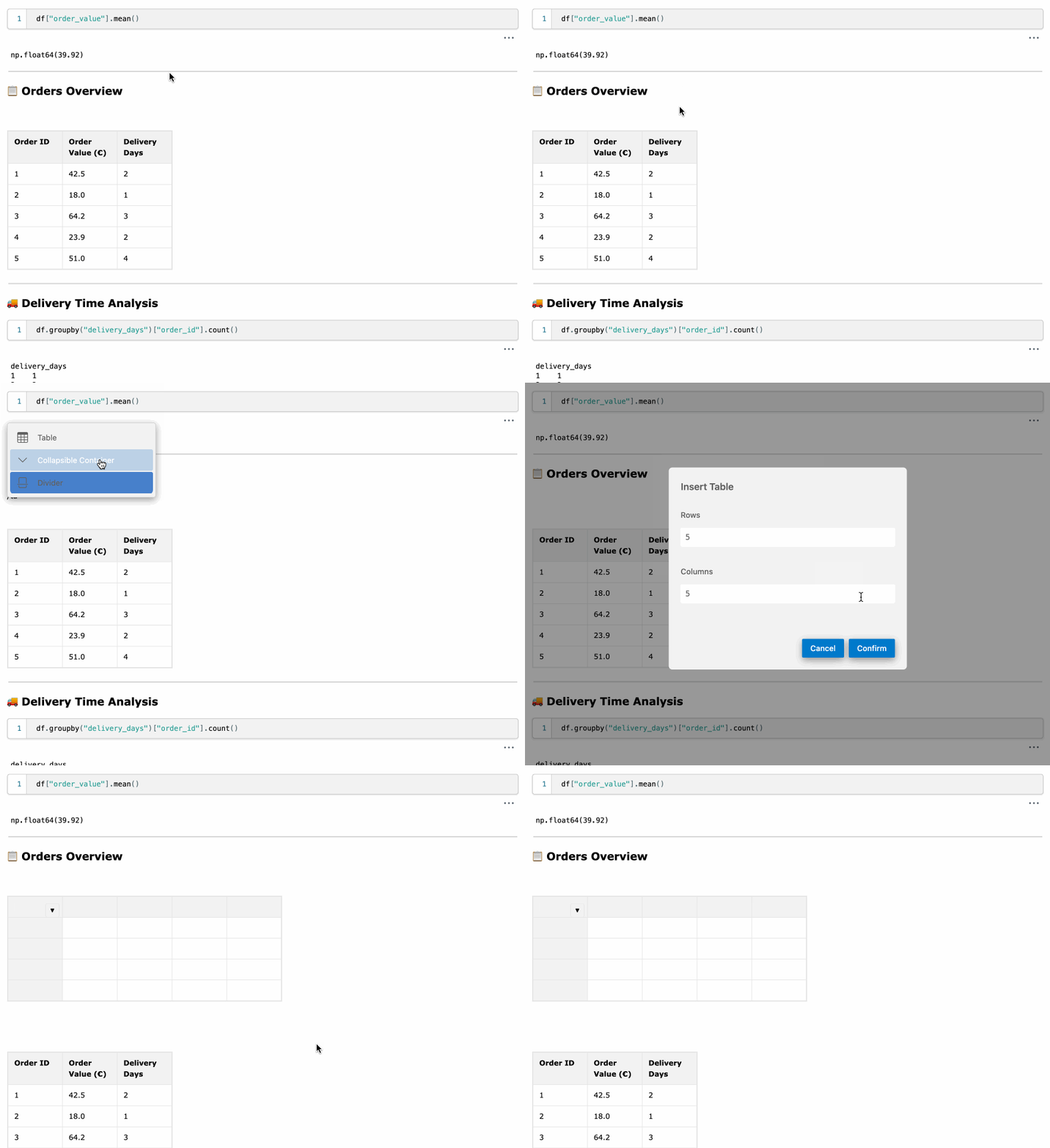
- Collapsible Containers: Hide and show content to keep your document organized.
- Tables: Easily create tables to present data in a structured format. No more markdown table syntax!
- Equations: Write mathematical expressions using LaTeX syntax for clear representation of formulas.

Media Blocks
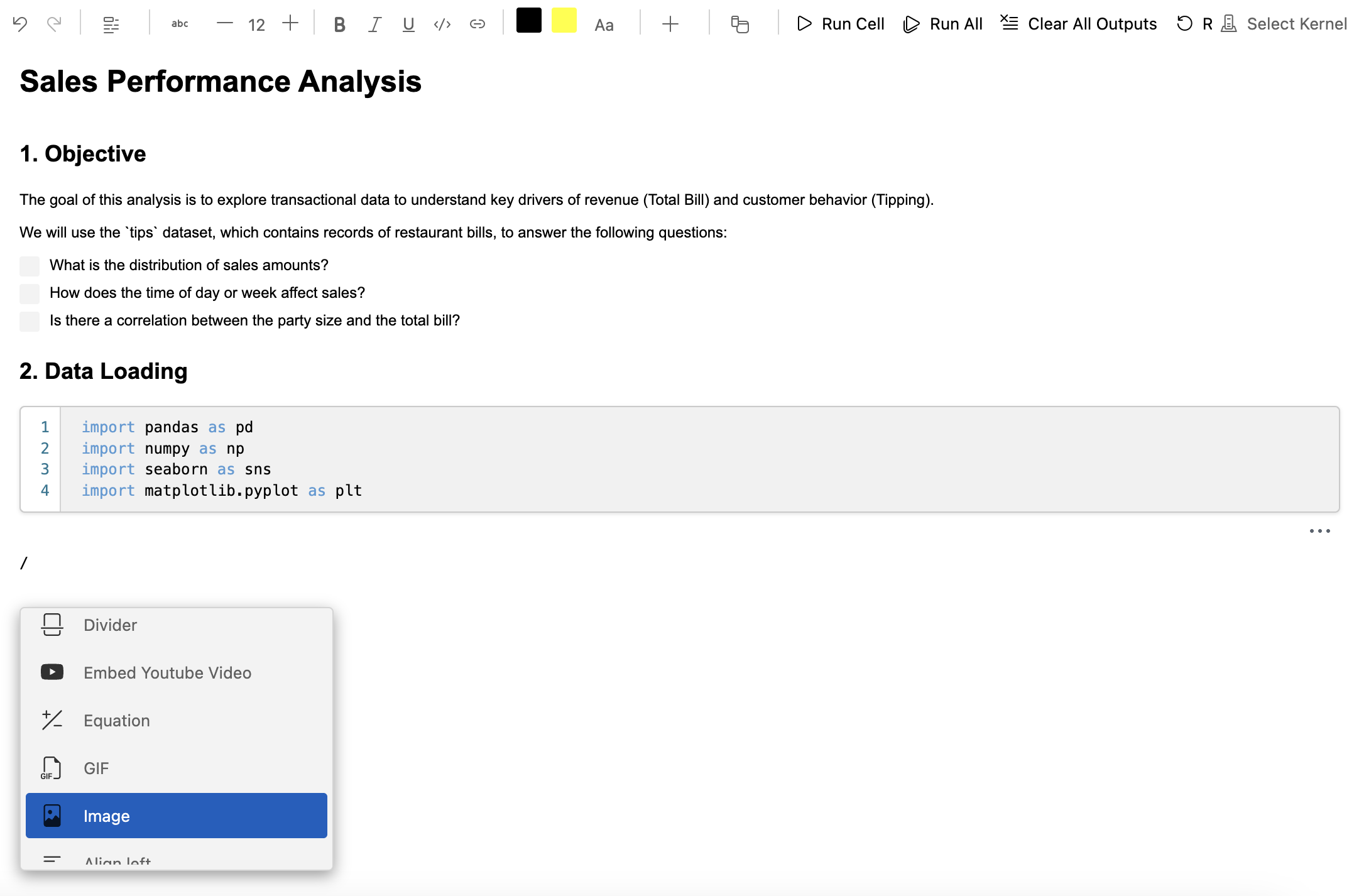
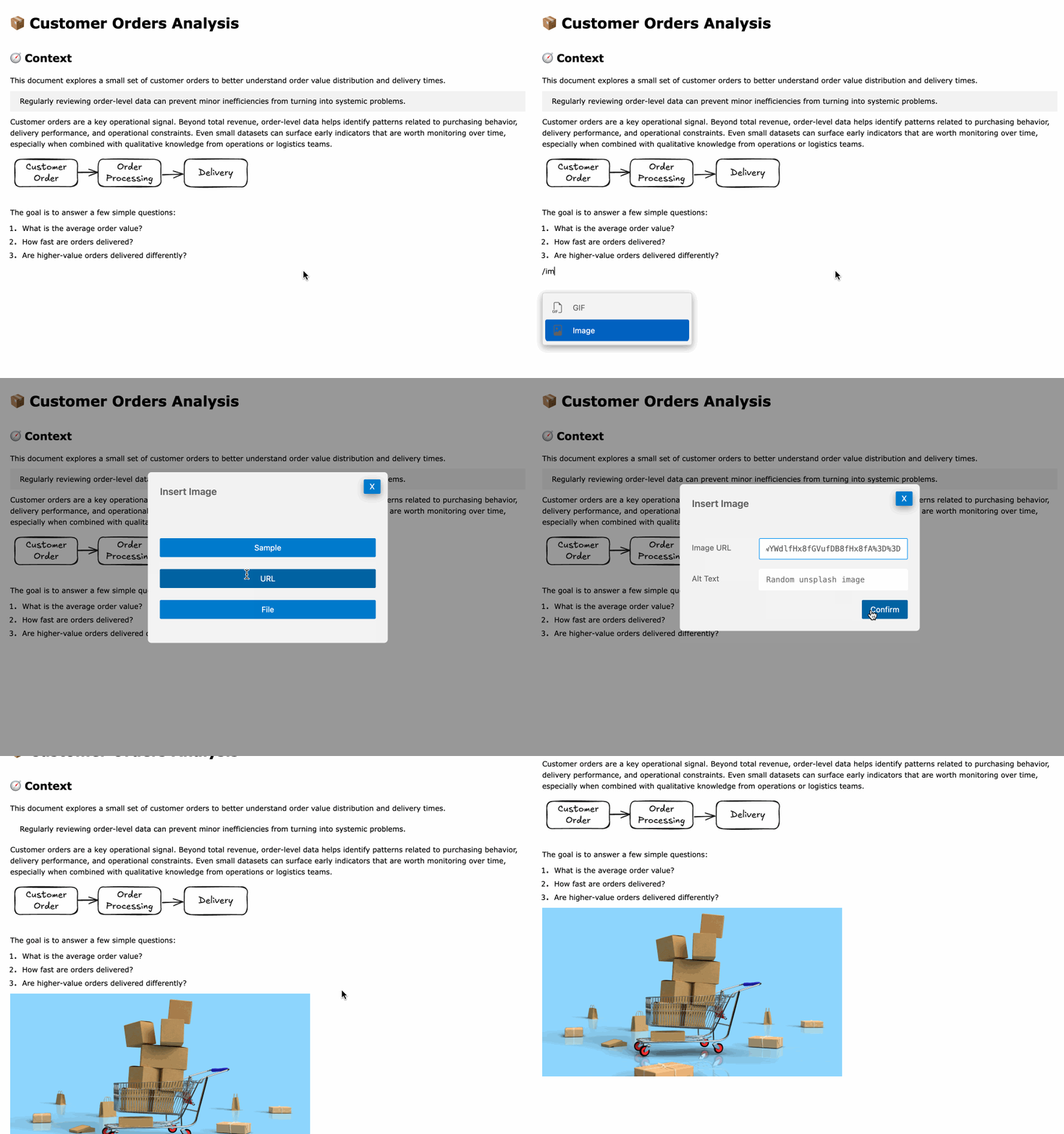
- Image: Insert images to illustrate concepts or display results.
- YouTube Video: Embed YouTube videos directly into your document.

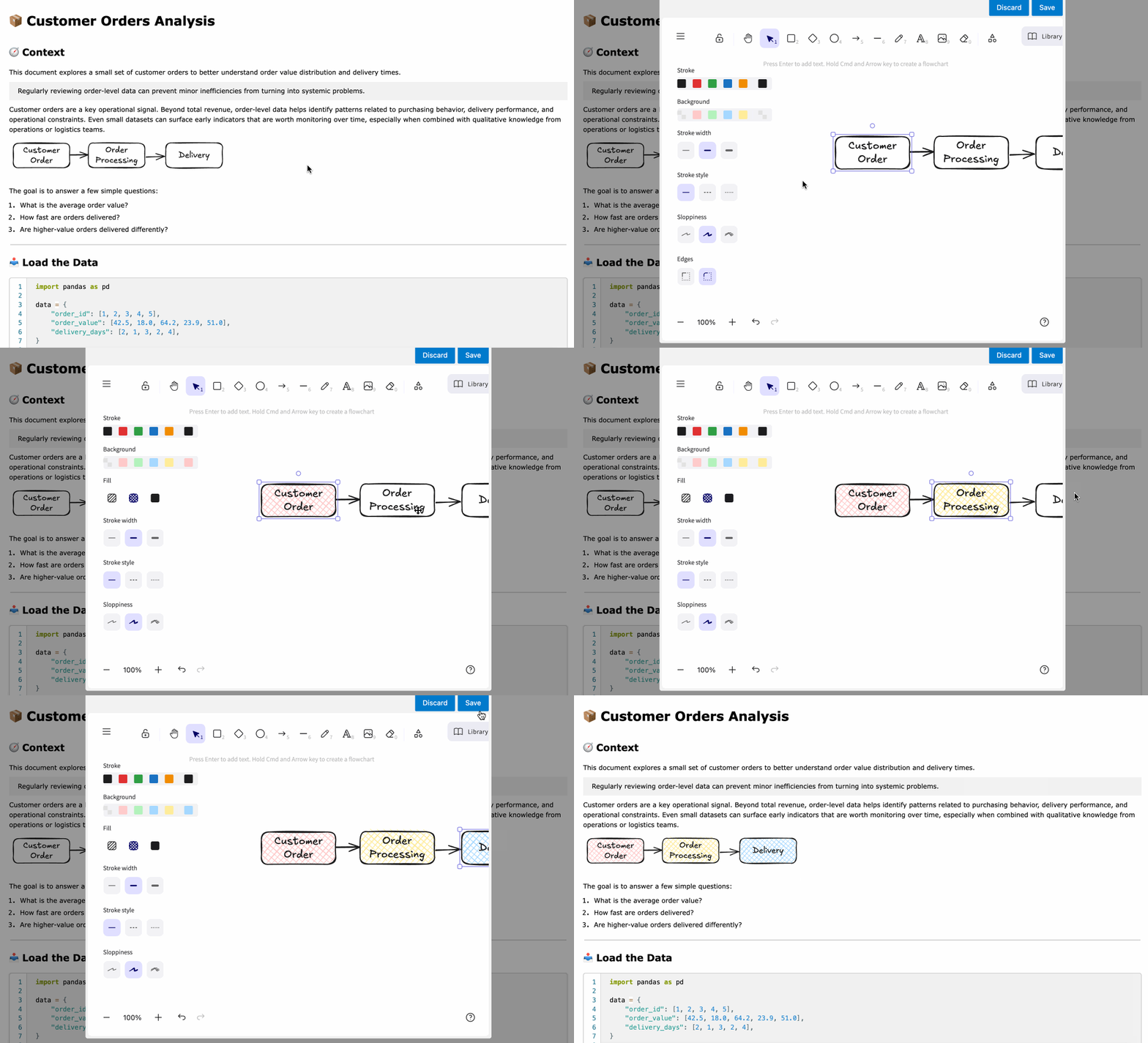
- Excalidraw: Integrate Excalidraw diagrams for visual explanations.
Other Blocks
- Divider: Use horizontal lines to separate sections of your document.
Additional Functionalities
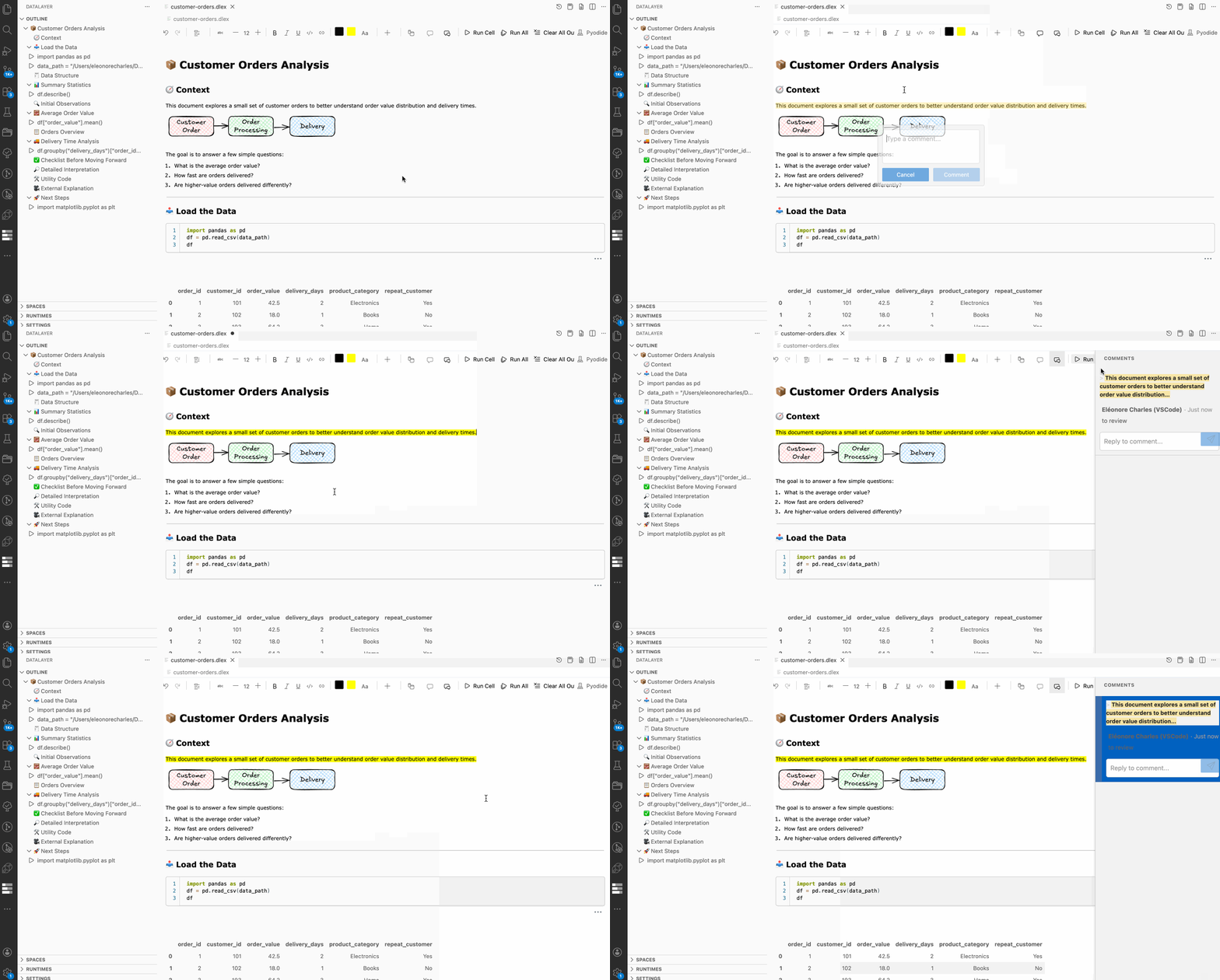
Commenting
Datalayer Documents support inline comments with threaded replies, enabling feedback and discussions directly within the document.