Welcome to Datalayer
Welcome to the documentation for Datalayer, a platform for data practitioners leveraging Jupyter Notebooks supercharged with rich editing, AI capabilities, and scalable GPU/CPU runtimes. You can access these features directly from your favorite local IDEs like JupyterLab, VS Code, and CLI. Prefer a client-free experience? No problem—explore the full power of Datalayer through our online Platform.
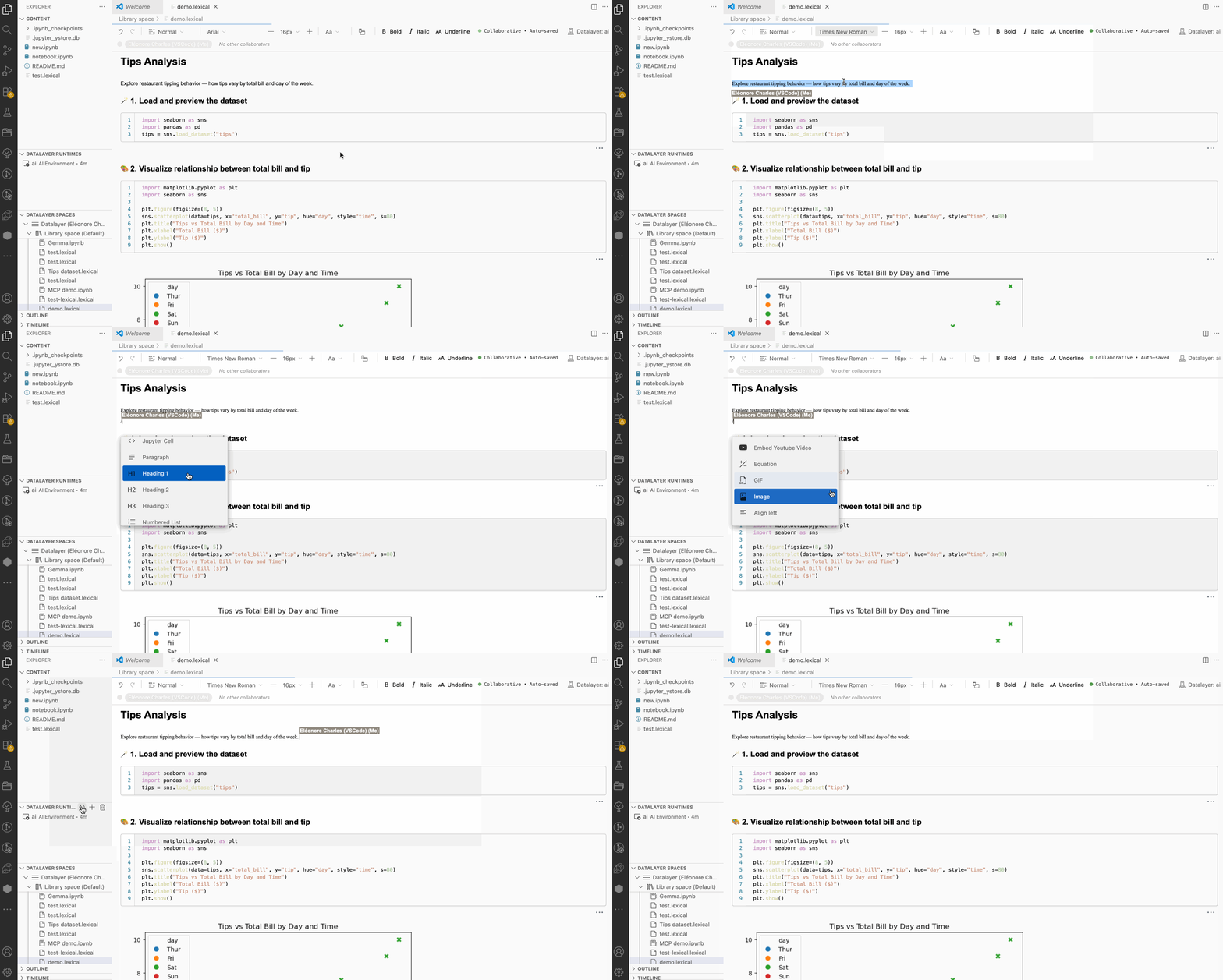
With Datalayer, you can work with Datalayer Documents (.dlex files) which offers a rich, Notion-inspired editing experience that lets you better structure and present your work by combining code, text, and visuals seamlessly.
AI assistance is built in to help you document, write and refine code as you work.
And when your workloads grow, you can scale them directly from your existing IDE in just a couple of clicks—no code changes required—thanks to seamless access to powerful cloud compute.
Go to the Login Page and create your account to get started with Datalayer. You will receive Free Credits to explore the platform and its features! 🚀
Whether you're an AI Engineer, Machine Learning Engineer, Data Scientist or Researcher, Datalayer enhances your productivity and performance. These capabilities can be accessed from the Platform, JupyterLab, VS Code and CLI interfaces.